
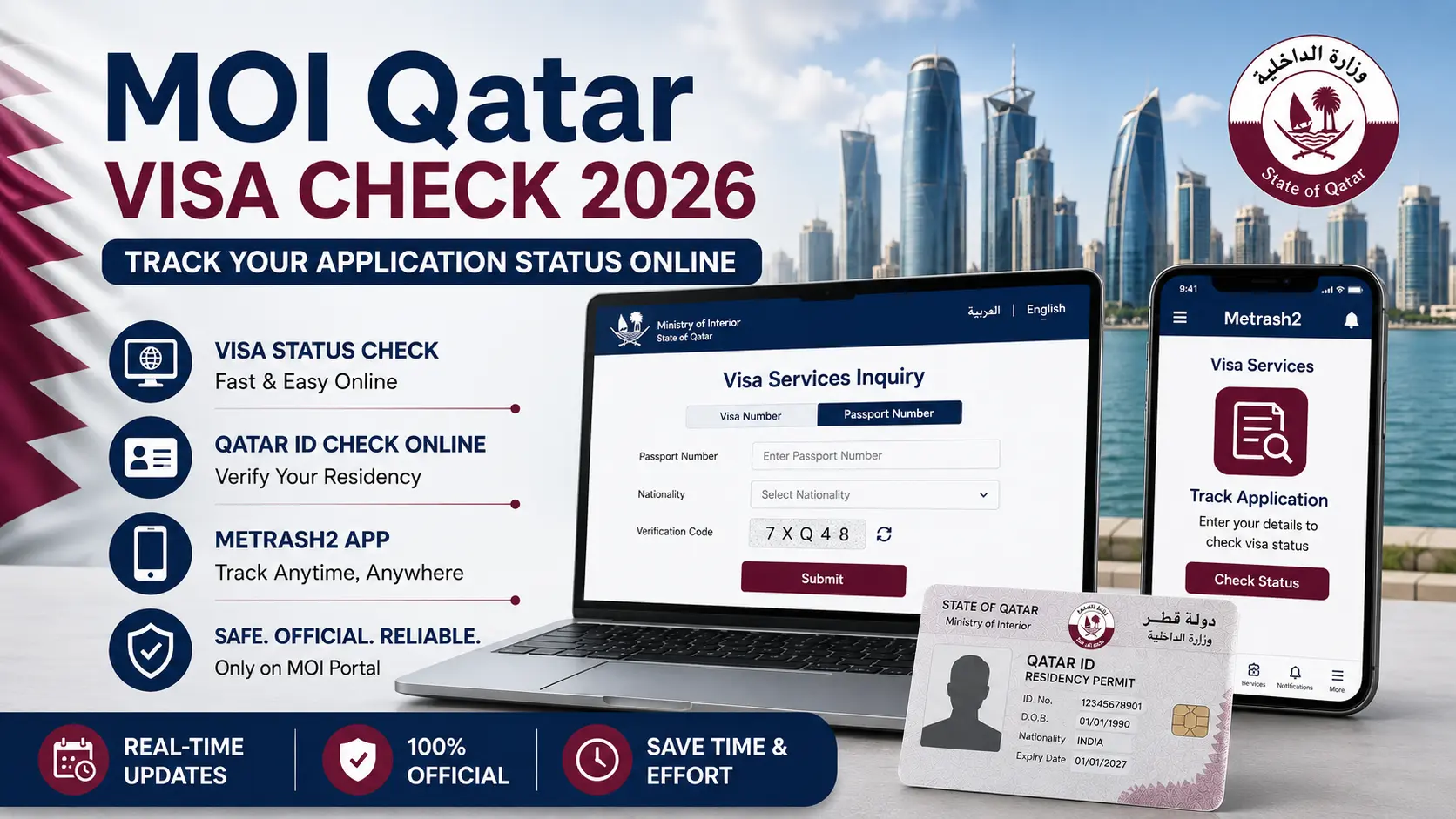
MOI Qatar Visa Check 2026

MOI Qatar Visa Check 2026: How To Track Your Application Status Online

If you have applied for a visa to the State of Qatar, the waiting period can often be filled with anticipation. Whether you are moving for a new job, visiting family, or exploring the country as a tourist, knowing your status is crucial. Fortunately, the Ministry of Interior (MOI) has developed a world-class digital infrastructure that allows you to perform an MOI Qatar Visa check within seconds.

This guide provides an Updated, step-by-step walkthrough of how to use the official portals, understand the status messages, and verify your residency details without needing to visit a government office.

What is the MOI Qatar Portal?

The Ministry of Interior (MOI) is the primary government body in Qatar responsible for immigration, security, and residency. To make the immigration process transparent, they offer the MOI E-Services Qatar Visa Inquiry portal. This platform is designed for both applicants and sponsors to track the progress of any visa type, from work permits to short-term visit visas.

Using the official portal ensures that you are getting real-time, accurate data directly from the government database. This is essential for planning your travel dates and finalizing your relocation.

Step-by-Step Guide: Qatar MOI Visa Check

Checking your status online is the most efficient method available. You do not need to create a complex account for a basic inquiry; you only need your basic travel documents.

Step 1: Visit the Official MOI Website

Start by navigating to the official Ministry of Interior portal at portal.moi.gov.qa. Ensure you are on the “English” version of the site unless you are comfortable with Arabic.

MOI Offical Website

Step 2: Navigate to Inquiry Services

On the main menu, look for the Inquiries icon. A list of services will appear when you click. Select Visa Services to proceed to the tracking page.

Visa Services

Step 3: Choose Your Inquiry Method

The system allows you to check your status using two main methods:

  • Visa Number: If your sponsor has already provided you with a 12-digit visa number.
  • Passport Number: This is the most common method for individual applicants. You will also need to select your nationality from the dropdown menu.

passport

Step 4: Enter the Verification Code

Complete the simple CAPTCHA (verification code) shown on the screen to prove you are a human user. Click the Submit button.

Step 5: Understand Your Result

The system will display your current status. Common results include:

  • Under Process: The application is still being reviewed by immigration officers.
  • Ready to Print: Your visa is approved, and the fee has been paid.
  • Issued: The visa is officially active and valid for travel.
  • Expired/Cancelled: The visa is no longer valid.

How to Use the Metrash2 App for Visa Tracking

For those who prefer using a smartphone, the Metrash2 app is the most powerful tool for Qatar residents and visitors. It is available from both the Apple App Store and the Google Play Store.

Metrash login

  1. Download and Log In: Residents can log in using their QID, while visitors may have limited access.
  2. Select Visa Services: Navigate to the visa section within the app.
  3. Track Application: Enter your application details to see instant updates. The Metrash2 app is often faster than the web portal and provides push notifications if your status changes.

Related Article:

  1. Qatar Transit Visa: Complete Guide for Travelers (2026)
  2. Qatar Work Visa: 07 Proven Steps to Get It Fast and Avoid Scams

Qatar ID Check Online: Verifying Your Residency

If you are already living in Qatar, you might need to verify the validity of your residency permit. The Qatar ID Check Online service is vital for ensuring your QID is active, which is required for everything from banking to healthcare.

How to Check QID Validity:

  1. Go to the MOI Portal (Inquiry section).
  2. Select Residency Services and then QID Expiry Check.
  3. Enter your 11-digit Qatar ID number.
  4. The system will show you the exact expiry date and whether your residency is currently valid.

Keeping track of your QID expiry is essential to avoid heavy fines that start accumulating immediately after the ID expires.

Common Status Errors and Solutions

Sometimes, a Qatar MOI Visa Check might return an error or a confusing message. Here is how to handle them:

  • “Record Not Found”: This usually happens if there is a typo in the passport number or if the visa hasn’t been uploaded to the system yet. Wait 24–48 hours after application before checking again.
  • “Invalid Nationality”: Ensure you are selecting the nationality that matches the passport used for the application.
  • Stuck on “Under Process”: Some visas, especially work permits, require security clearance which can take 7 to 14 working days. If it takes longer, ask your sponsor to check the “Metrash2” notes for any requested missing documents.

Processing Times in 2026

While the MOI E-Services Qatar Visa Inquiry gives you the status, knowing the expected timeline helps manage expectations:

  • Tourist Visas: 2–5 working days.
  • Business Visas: 5–10 working days.
  • Family Visit Visas: 1–2 weeks (depending on document verification).
  • Work Visas: 2–4 weeks (due to medical and security checks).

Final Thoughts

The MOI Qatar Visa system is designed to be transparent and user-friendly. By utilizing the official MOI E-Services Qatar Visa Inquiry tools, you can stay informed about your application’s progress from anywhere in the world.

Always remember to use official government channels and keep your passport details private. If you are already in the country, make it a habit to perform a Qatar ID Check Online every few months to ensure your residency remains in good standing.

Frequently Asked Questions (FAQs)

1. Can I check my Qatar visa status using only my name?

No. For security and privacy reasons, the MOI portal requires either a Visa Number or a Passport Number along with your nationality. Searching by name only is not an available feature.

2. Is the MOI Qatar Visa check service free?

Yes, using the official government website (moi.gov.qa) or the Metrash2 app to check your status is completely free. Be wary of third-party websites that ask for payment to “check” your visa.

3. What should I do if my visa is rejected?

If the portal shows a “Rejected” status, you should contact your sponsor in Qatar. They can visit the MOI service center to find out the specific reason for rejection and whether an appeal can be filed.

4. How can I print my visa once it is approved?

Once the status shows “Approved” or “Issued,” you can click the print icon on the MOI portal or download the PDF version to carry with you during travel.

5. Can I do a Qatar ID check online for someone else?

As long as you have their QID number and it is for a legitimate purpose (like a company checking an employee’s status), the portal allows you to verify the validity of any QID.

Similar Posts

Leave a Reply

Your email address will not be published. Required fields are marked *