
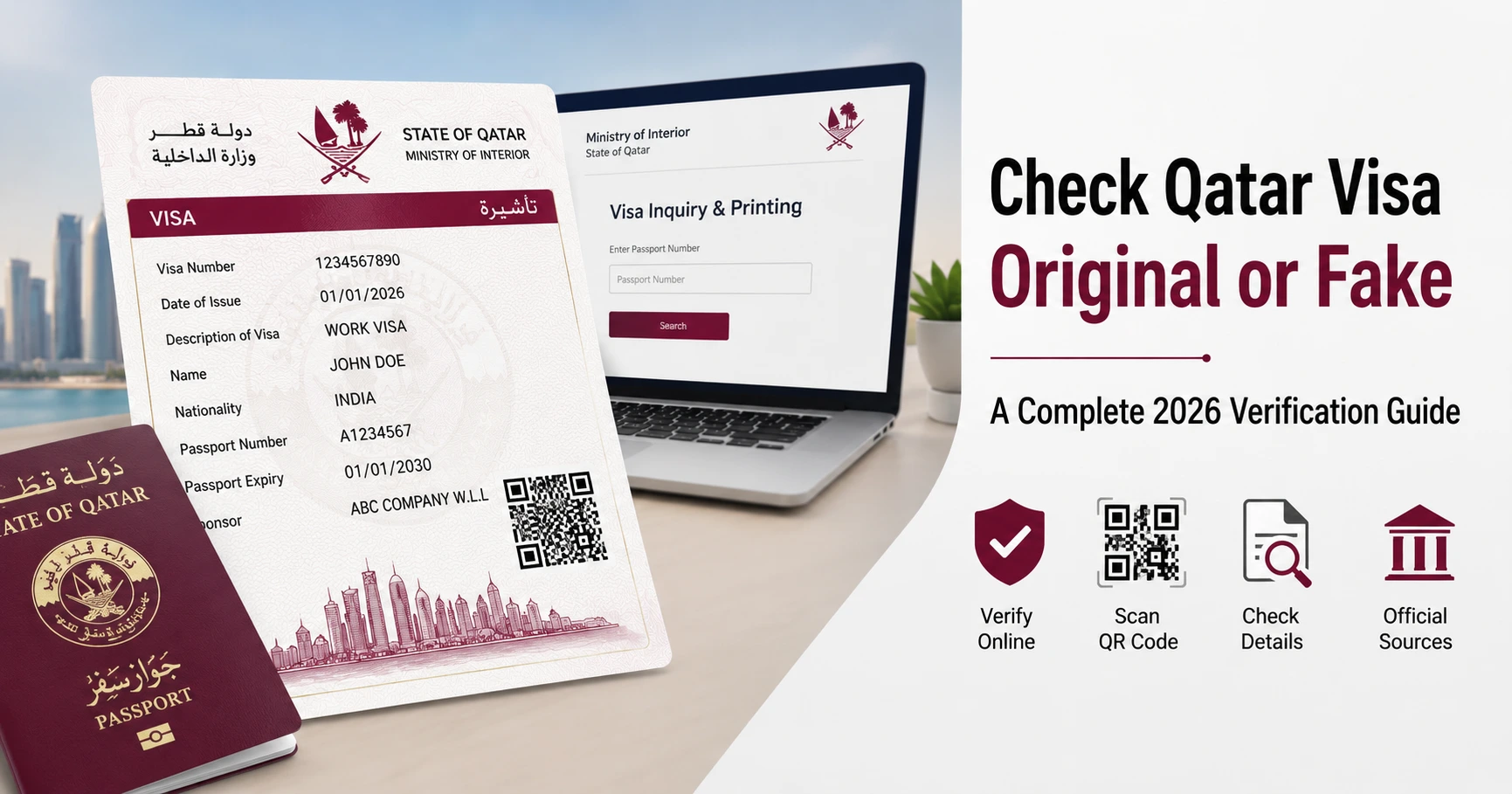
Securing a job offer or an entry permit to Qatar is an exciting milestone, but it often comes with a layer of anxiety. With the rise of sophisticated employment scams and fraudulent sub-agents across South Asia and the Middle East, many hopeful expatriates find themselves holding a flat PDF visa copy, wondering if it is a genuine ticket to a new life or just an expensive counterfeit.
If you are feeling anxious about your document, take a deep breath. You do not have to blindly rely on an intermediary agent’s word. The State of Qatar has built some of the most advanced digital immigration frameworks in the world. If you want to learn how to check qatar visa original or fake, using the official government channels is the safest way to discover the truth about your status within minutes. This guide will walk you through exactly how to verify your visa, isolate advanced forgery red flags, and protect your hard-earned savings using current 2026 security criteria.
The 3 Quick Warning Signs of a Fake Qatar Visa
Before you even log onto a government computer portal, you can perform a quick visual inspection of the paper or digital copy your recruitment source provided. Forgers have become clever with editing suites, but they frequently make amateur mistakes when altering official Ministry documents. Look closely at your paper layout for these three immediate manual editing red flags:
Inconsistent Typography and Font Alignments
The Ministry of Interior (MOI) uses a standardized, uniform automated system font for all issued visas. If you notice that your name, nationality, or visa numbers appear in a slightly bolder font weight, a different typeface entirely, or are visibly misaligned with the rest of the text matrix, the file has likely been edited using unauthorized PDF manipulation software.
Static or Dead QR Codes
Every legitimate electronic visa features a tracking barcode or official QR code. On a counterfeit document, this element is often a low-resolution graphic lifted from a completely different historical file. If you scan the QR code with your smartphone camera and it either fails to open a link, redirects to a generic search engine, or displays biographical details that do not match the printed text on the document, you are looking at fraud.
Blurred Official Logos and Missing Security Watermarks
Authentic digital visa copies are generated directly from vector templates on secure state databases, meaning the state emblems and structural lines remain perfectly crisp even when zoomed in. Scammers often reuse highly compressed, low-quality graphics. If the golden Ministry logo appears pixelated, blurry, or completely lacks the faint background security patterns, you should immediately proceed with caution.
Genuine Visa Portal vs. Scam Indicators
To help you distinguish between legitimate state security standards and fraudulent fabrications, consult this quick reference comparison grid before analyzing your document online:
How to Check Qatar Visa Original or Fake Online (Step by Step)
The definitive way to know if your document is real is to query the live servers managed by the State of Qatar. The primary system for this lookup is the main Ministry of Interior website. Follow these steps carefully to perform a secure verification query:
Step 1: Access the Verified Portal
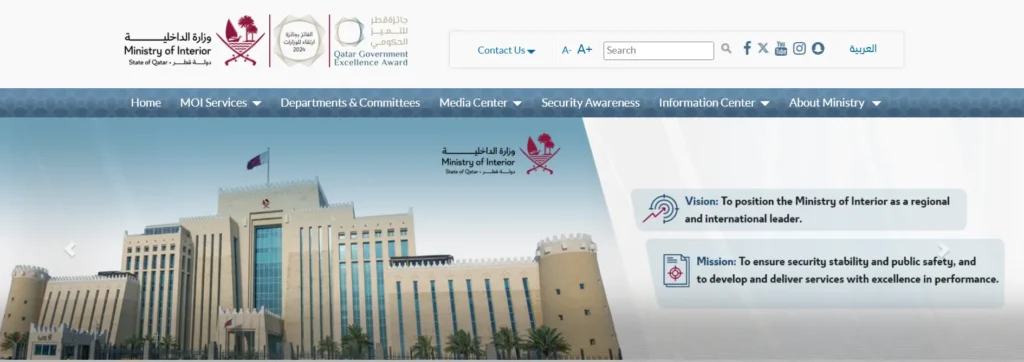
Open an independent web browser window and type portal.moi.gov.qa directly into the address bar. Never click on direct tracking hyperlinks sent directly to your phone over chat rooms or email, as these can easily lead to cloned, spoofed layouts designed to mimic government interfaces.
Step 2: Navigate to Inquiries and Visa Services

Once on the home screen dashboard, switch the portal language to English from the top menu. Click directly on the main Inquiries icon (represented by a magnifying glass graphics). From the sub-menu that loads on the next screen, select Visa Services, and then click on Visa Inquiry & Printing.
Step 3: Input Your Unique 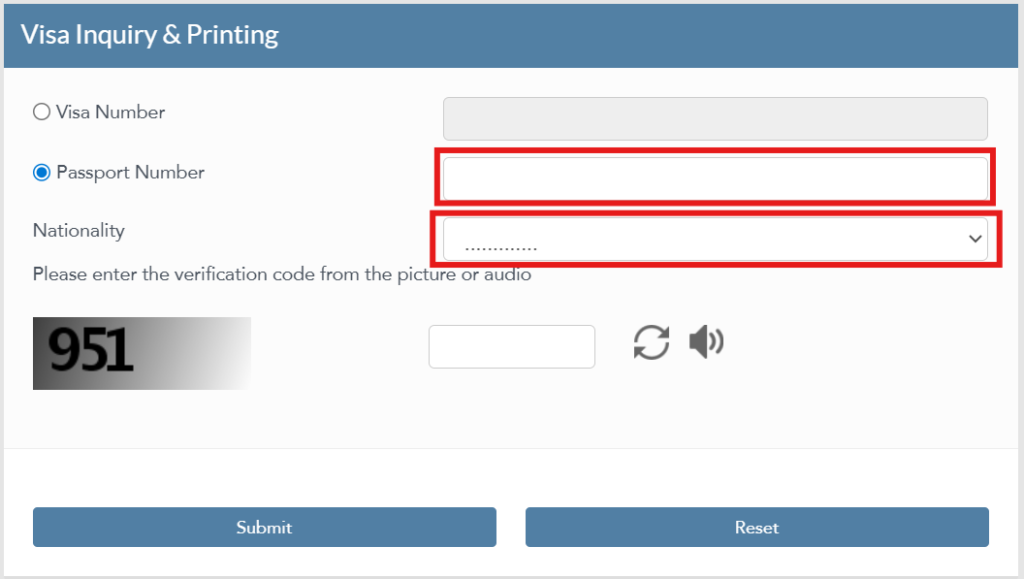
The system allows you to search using either your Visa Number or your Passport Number. For a true genuineness validation check, select the passport lookup option. Carefully type your exact passport identifier, select your nationality from the interactive dropdown list, input the displayed visual security captcha code, and hit the search button.
Step 4: Analyze the Live System Results
If the entry permit is real, the portal will instantly pull up your active profile from the live database. Carefully cross-match the spelling of your name and passport validity dates with the results displayed on the screen. If the portal returns a persistent “No Record Found” error message despite your data being entered correctly, the document in your hands is a complete fabrication.
Verifying via QVC Portal for Work Visas
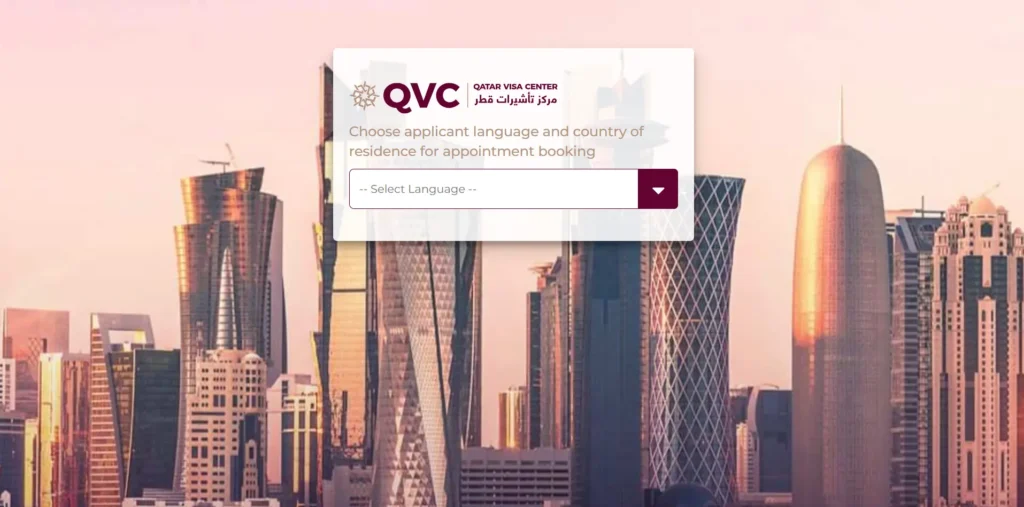
If you are traveling to Doha on an employment track from a country hosted by the Qatar Visa Center network, your validation process involves an additional mandatory safety step. Legitimate work clearances require strict biometric enrollment, fingerprint collection, and medical screenings before immigration stamps are finalized.
To verify your job record, you can run a parallel search alongside your primary Qatar Work Visa tracking tools. Head over to the official tracker at qatarvisacenter.com, choose your country of origin, and navigate to the application status tracking link.
A genuine employment pathway will transparently show your real-time processing milestones, such as medical evaluation updates or biometric slot validations. If an Agent for Qatar Visa hands you a paper printout claiming your visa is fully approved, but the official QVC framework shows that no biometric appointments or medical registrations have ever been booked under your identity, the paper document is highly dangerous and invalid.
What to Do If You Have Been Scammed?
Discovering that an entry permit is counterfeit can be devastating, but acting logically and quickly can protect your personal identity data and prevent further financial losses.
First, immediately halt all pending payments or deposits to the agency or individual intermediary involved. Do not confront them aggressively or reveal your verification findings yet. Instead, quietly backup and download all text logs, voice notes, transaction receipts, bank transfers, and email headers as concrete evidence for legal bureaus.
Second, attempt to verify the legitimacy of the employer independently. If the document references a real corporate sponsor in Doha, look up their official corporate headquarters telephone through local directory systems and contact their human resources department directly to ask if an active visa quota assignment actually exists for your passport reference.
Finally, present your documented evidence to your local law enforcement channels and state labor ministries. If you are already residing inside the country or have trusted contact channels, security issues and recruitment scams can be securely logged using the Ministry of Interior’s specialized Metrash2 mobile application or through the Ministry of Labour’s dedicated hotline networks. Knowing how to check qatar visa original or fake protects you from recruitment fraud and ensures your travel documents are completely legitimate.
Frequently Asked Questions
Can a fake Qatar visa have a working QR code?
A fraudulent document can contain a QR code that scans, but it will either direct you to a mock, cloned tracking website or show digital data belonging to a completely different person. A genuine QR code must exclusively route your browser to a secure address ending in moi.gov.qa and match your specific biographical records perfectly.
What should I do if my visa number shows “No Record Found” on the MOI site?
Ensure you have not misread zero (0) for the letter ‘O’ and double-check that your country of origin is selected properly in the dropdown filter. If the system still fails to return any results after multiple precise attempts, it means the document is not registered on government servers and is a fake.
How can I verify if my Qatar employment visa sponsor is real?
You can cross-reference the company name listed on the document through the Qatar Ministry of Commerce and Industry portal to confirm if they hold an active commercial registration. Additionally, any authentic document searched via the main MOI portal will explicitly display the authorized sponsor’s official name or company ID block.
Does the official Qatar visa ever come in a colored sticker format for workers?
No, the State of Qatar phased out traditional physical passport sticker visas for inbound workforces years ago. Legitimate entry permits for arriving personnel are handled exclusively via digital e-visas printed on clean A4 sheets that feature tracking-enabled security indicators.