
If you’re switching jobs or leaving Qatar for good, confirming that your old visa has actually been cancelled matters more than most people realize. Knowing how to check Qatar visa cancellation status online can save you from travel delays, unexpected fines, or complications with your new employer’s paperwork.
The good news is that Qatar’s system makes this easy to verify yourself. Here’s exactly how to check your Qatar visa cancellation status online, and what each result actually means.
Why This Matters
Under current labor law, your legal residency is tied directly to your sponsor, whether that’s a company or an individual. When your job ends, whether you’re transferring to a new employer under an NOC or leaving the country entirely, your sponsor is responsible for formally cancelling your residency.
Running a quick visa status check confirms your employer actually completed this step. If you’re changing jobs, a properly cleared cancellation lets your new employer register your contract without delays. If you’re exiting Qatar for good, confirming the cancellation went through means you leave with a clean record, no overstay risk, no lingering issues with the Qatar visa fine 2026 system.
Where to Check Your Status
How to Check Qatar Visa Cancellation Status Online: Step by Step
Go to the official MOI portal and select MOI Services, then Inquiries.
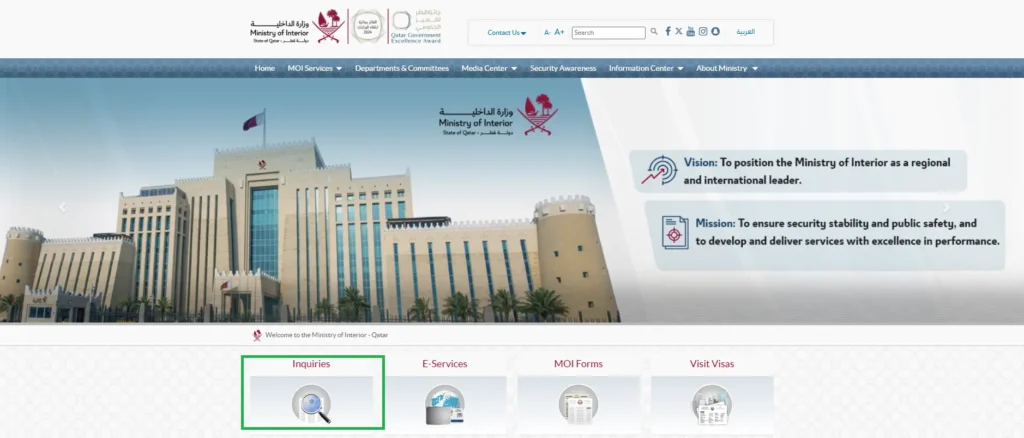
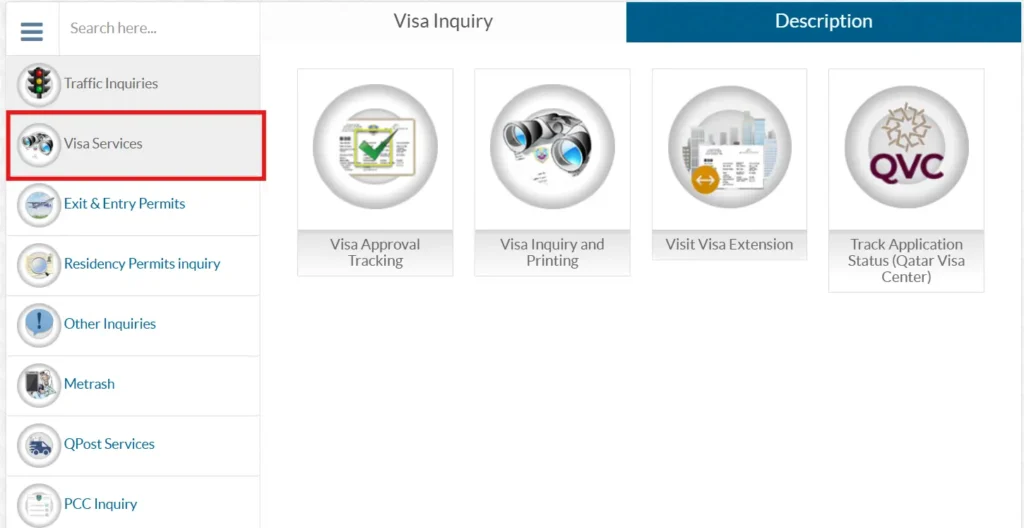
Choose Visa Services from the list of inquiry categories.
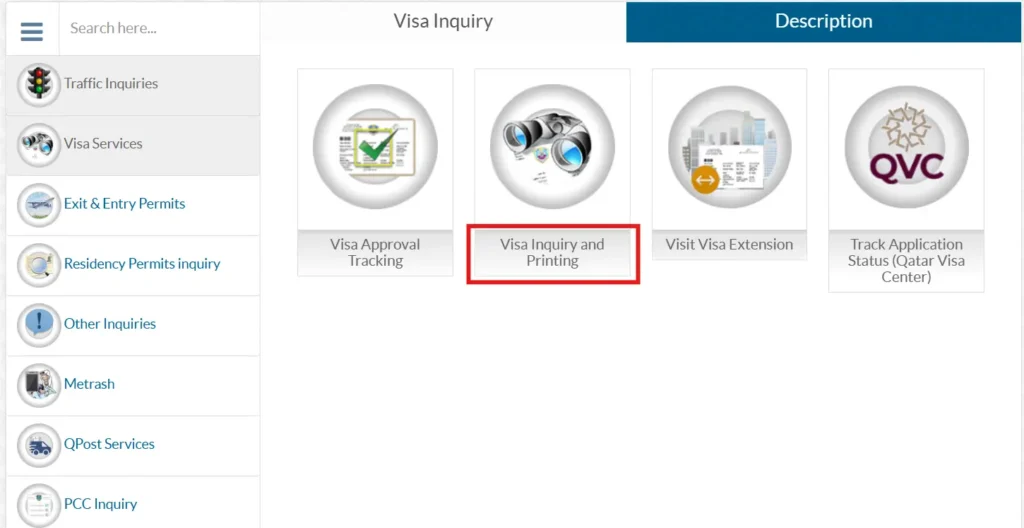
Click Visa Inquiry & Printing.
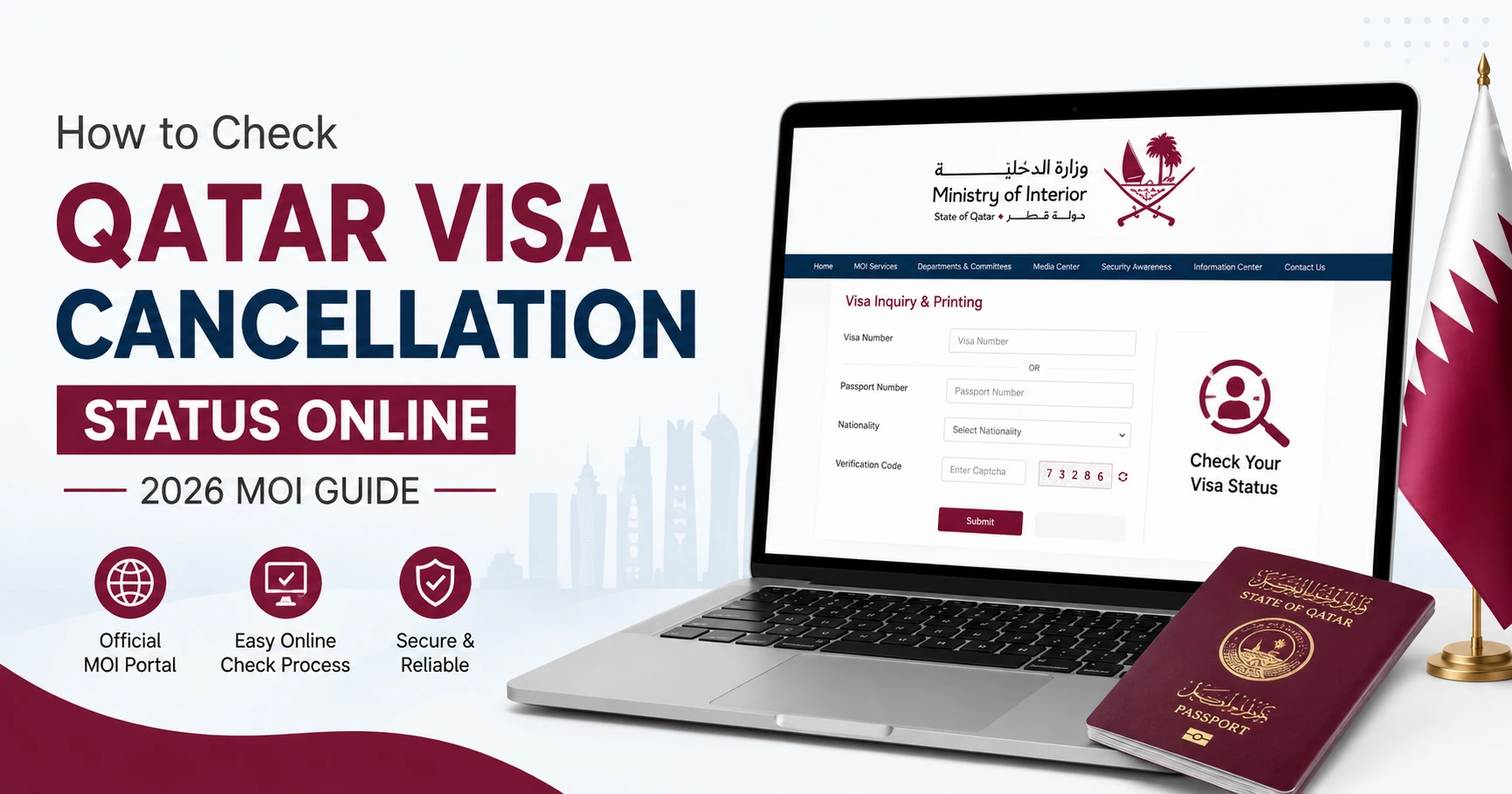
Enter your visa number, or select the passport option and enter your passport number plus nationality.
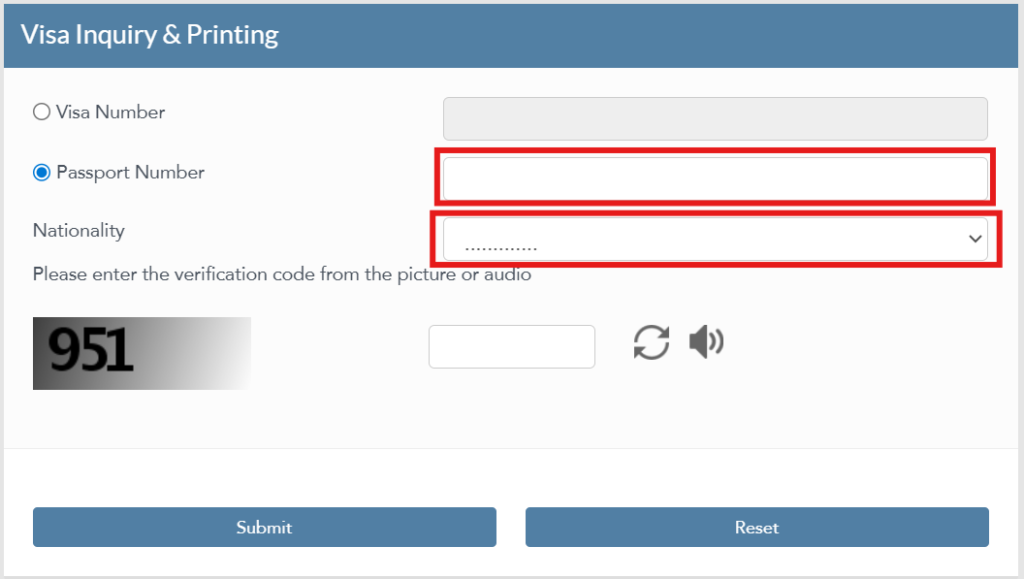
Type the CAPTCHA code shown.
Click Submit. The system pulls the live status directly from the central database.
What “Cancelled,” “Expired,” and “Active” Actually Mean
- Cancelled: Your sponsor’s cancellation request has gone through. Your employment ties are officially severed, and your window to either leave the country or transfer sponsorship has started.
- Expired: Your visa passed its validity date without a formal cancellation or renewal. It’s no longer active, but you’ll still need to sort out any fine accumulation with your sponsor before changing status or exiting.
- Active: Your visa is still fully valid. If you’ve already resigned or finished your notice period, this usually just means your employer hasn’t submitted the cancellation paperwork yet.
If Your Cancellation Is Taking Too Long
Standard digital cancellations through Metrash2 or the MOI portal usually update within 24 to 48 hours. If your status is still showing “Active” after that window, it typically means your sponsor either hasn’t submitted the request yet, or it’s stuck due to an unresolved financial or legal issue on their end.
If this happens, start by contacting your previous employer’s HR or PRO to confirm they’ve cleared any processing fees. Common blockers include unpaid traffic fines linked to the sponsor, outstanding personal loans, or unresolved commercial disputes. If your sponsor insists it’s done but the portal disagrees, or there’s a dispute over your right to termination, you can escalate the issue at a Ministry of Labour dispute office or an MOI Passports service center. If your job transition involves converting to a different visa type, our guide on how to change a Qatar visa to a work visa covers that process.
Frequently Asked Questions
How long does it take for a cancellation to show up online?
Once your sponsor submits the request through Metrash2, it usually updates within 24 to 48 hours.
Can I check my status with just my passport number?
Yes. You can look it up using your passport number and nationality on the MOI portal, no reference number needed.
Does checking my cancellation status cost anything?
No, checking or downloading your visa records through the MOI e-services portal is free. Any processing fees are handled by the sponsoring company during the original submission.
How many days do I have to leave after an official cancellation?
Under the MOI directive, the post-cancellation grace period is 14 days (2 weeks) from the date of official cancellation. You must either depart Qatar or complete a sponsorship transfer within this 14-day window to avoid an overstay fine of QAR 10/day.
I want to know how I get my unfit results to my employers via matrash? even i comply all my referrals on my qvc and had fit to work results after all my referral i want to know whats the problem or wrong?
You should contact the occupational health provider or the Matrash/QVC support team and ask them to confirm that your final fitness report has been sent to your employer.