
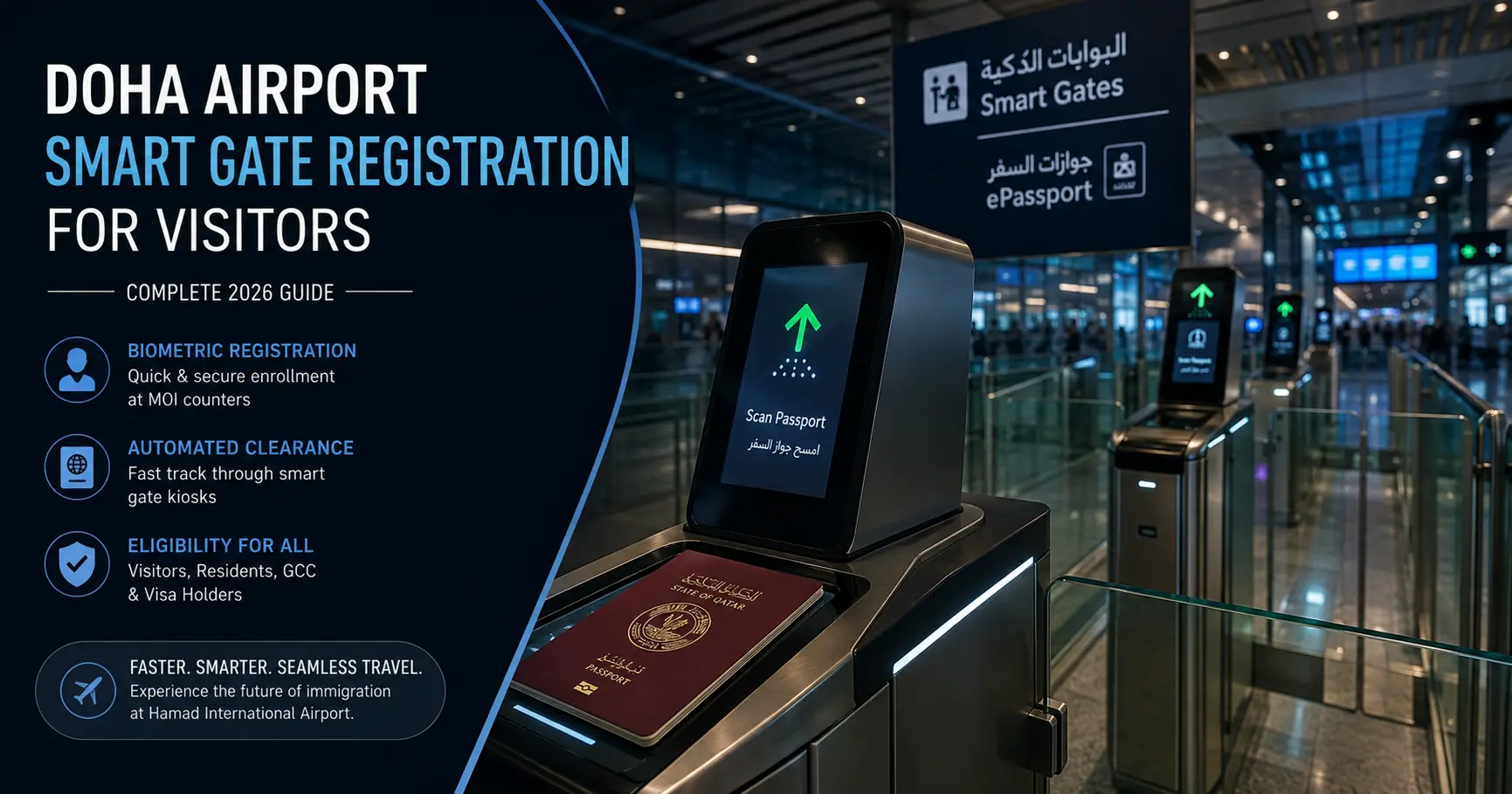
If you’ve ever stood in a long immigration line at Hamad International Airport, you’ve probably noticed a separate row of automated barriers moving people through in seconds. That’s the Smart Gate system, and once your biometrics are registered, using it takes less than 20 seconds. This guide covers who’s eligible, how to register, and what to do if a gate won’t scan you.
Doha Airport Smart Gate Registration for Visitors: How It Works
The Smart Gate system at Hamad International Airport uses biometric verification, matching your face and passport data against a stored digital profile, to let you skip the manual immigration counters entirely. The Ministry of Interior rolled this out to handle the airport’s growing passenger volume without longer queues.
To use it, you need an active biometric profile already on file before your Doha airport smart gate registration for visitors is considered complete. Here’s who qualifies and what’s needed. You can also confirm current eligibility rules directly on the Ministry of Interior’s official site before you travel.
Smart Gate Eligibility by Passenger Type
How to Register: Step by Step
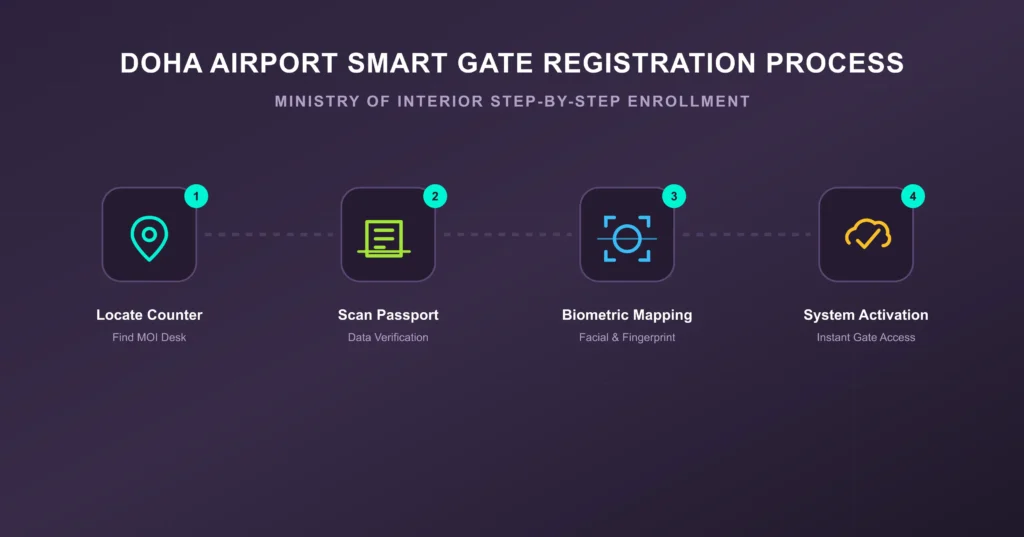
First-time visitors can’t use the automated gates immediately on landing, you’ll need to complete a quick registration first.
- Find the MOI registration counter. These are positioned near the standard passport control lanes in the arrivals or departures hall, clearly marked for biometric enrollment.
- Hand over your passport. The officer scans the embedded chip to verify the document’s authenticity and validity.
- Complete the biometric scan. You’ll get a facial photo capture and digital fingerprints taken, linking your identity to your passport file. If you’d rather book this in advance or check operating hours at specific centers, our MOI biometric enrollment guide walks through that in more detail.
- Activation. The officer uploads your profile to the system. Once it’s synced, your passport is authorized for the automated gates going forward.
Using the Smart Gate Kiosk
Once you’re registered, using the gate is straightforward:
- Approach an open lane with a green arrow and stand on the marked footprints.
- Place your passport photo page face-down on the scanner for 2-3 seconds.
- Step into the capture zone and look into the camera without moving until it matches your face.
- Once cleared, the barrier opens and you walk through.
Common Smart Gate Errors and Fixes
If a gate flashes red or won’t open, it’s usually one of these:
- Your face isn’t fully visible. Remove glasses, masks, hats, or anything covering your face before the scan.
- Passport isn’t aligned properly. Make sure the photo page is flat against the scanner, no wrinkles, tilting, or a protective case in the way.
- Outdated biometric data. If you get a mismatch error, your profile may need re-syncing. If you’re re-entering on a new visa after a previous stay, it’s worth doing a Qatar visa cancellation status check to confirm your old records are properly cleared, and for longer-term entries, checking your medical report status can rule out a pending record locking the update.
- Height requirement. Gates need passengers to be roughly 1.2 meters or taller for the camera to align correctly. Anyone traveling with young children should use the standard manual lanes instead.
If none of this resolves it, just step out of the lane and head to the nearest manned immigration desk, no need to wait around trying repeatedly.
Frequently Asked Questions
Can first-time tourists use the Smart Gate right away?
No. You’ll need to clear manual passport control or stop at an MOI biometric counter first to get your face and passport linked in the system. After that, you can use the e-gates on future entries and exits.
Is there a fee to register for Smart Gate access?
No, biometric registration and Smart Gate access are provided free by the Ministry of Interior to all eligible visitors, residents, and citizens.
What if the scanner won’t read my passport at all?
Check that the data page is clean, flat, and correctly placed face-down on the glass. If it still won’t scan, step out and go to the adjacent manned immigration counter for manual processing, don’t keep trying the same gate repeatedly.